About
Handsy AI lets an AI use a real iPhone the way you do: it looks at the screen and taps.
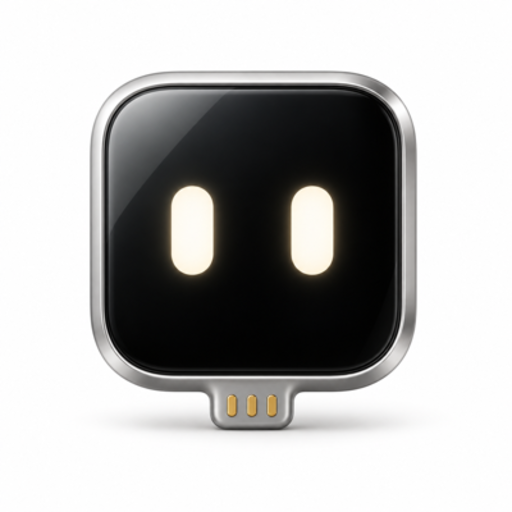
A $7 Seeed XIAO ESP32S3 board plugs into the phone's USB port. The phone mirrors its screen to the board over AirPlay, so the AI can see it. The board then acts as a standard USB mouse and keyboard. With AssistiveTouch on, a click is a tap and a drag is a swipe. Nothing is installed on the phone's system: no jailbreak, no developer mode, no new phone.
There are two ways to use it:
iPhone app (ESP32 Agent, free on TestFlight): type a goal like "set an alarm for 7 AM every weekday" and watch it work through your apps. It checks that each step actually changed the screen, keeps a step-by-step replay of every run, and can repeat a recorded flow. Try the free AI line or plug in your own.
Handsy CLI: let the AI agent on your computer drive your iPhone from the terminal (MCP supported). No app and no developer account needed.
Setup is three short steps. Turn on AssistiveTouch, flash the board once from Chrome or Edge at handsy.tech (no IDE, no soldering), then pair it with the app or the CLI. It also works on iPad.
The firmware and code are open source on GitHub (ESP32 iPhone Agent).
Honest limits: each step takes a few seconds, it runs in portrait mode, and iOS doesn't mirror passcode or Apple Pay screens.